
Manage Policy Sign-Offs from Claude
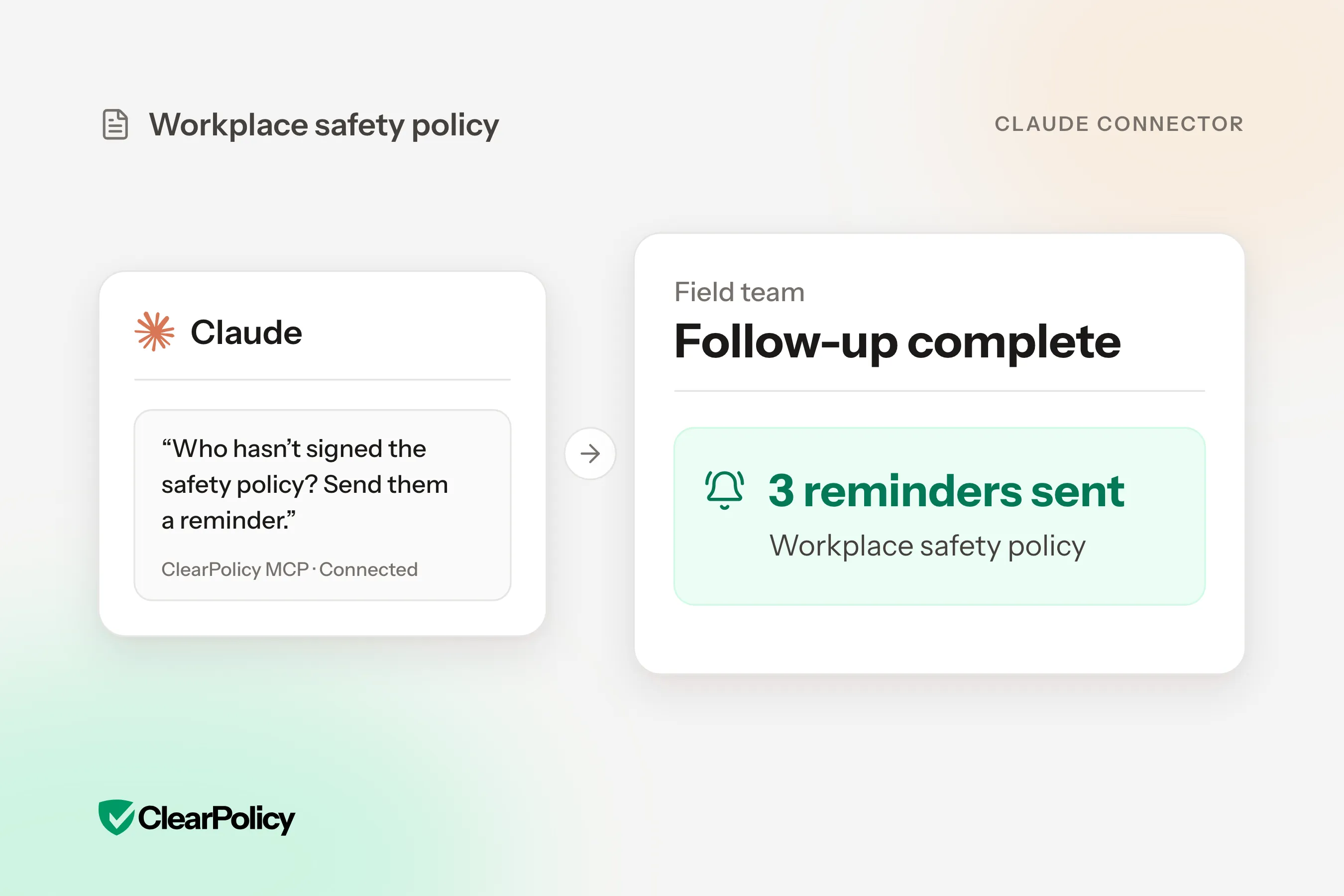
TL;DR: ClearPolicy is now published in the Claude directory. Connect your ClearPolicy organization in one click to turn a policy draft in Claude into a ClearPolicy draft, check who still needs to sign, and send document requests or reminders without leaving the conversation.
Many office managers, HR leads, clinic administrators, and nonprofit directors already use Claude to write or revise employee handbooks and workplace policies. The awkward step has always been what happens next: copying the finished wording out, checking who needs to sign, and following up with everyone who missed the email.
With ClearPolicy in the Claude directory, you can keep that work in one flow.
What you can ask Claude to do
Once ClearPolicy is connected to your organization, Claude uses ClearPolicy’s MCP tools within your normal team permissions:
Save this updated workplace safety policy as a draft in ClearPolicy.Show me everyone with an outstanding signature request for the employee handbook.Send reminders to the people who haven’t signed the code of conduct yet.Add these new hires to the Field Team group and send them the vehicle policy.Supported actions include creating and updating rich-text drafts, publishing drafts, adding people (individually or in batches), adding people to groups, inspecting open requests, sending signature requests, sending reminders, and canceling pending requests.
How to connect ClearPolicy in Claude
- Open ClearPolicy in the Claude directory and select Connect.
- Sign in to ClearPolicy, confirm the organization you want Claude to access, and approve the connection.
- Open Settings → AI assistants in ClearPolicy anytime to confirm or revoke the connection.
Each team member connects their own Claude account through OAuth. Your organization needs at least one person and one published document before authorizing the connection, and write actions require an active trial or subscription.
If you use Claude Code or another MCP client, you can also connect directly using the remote server URL in our MCP setup guide.
Still grounded in your ClearPolicy records
Every request sent from Claude works the same way as one sent inside ClearPolicy: recipients read and sign from an email link without creating an account, automatic reminders keep following up, and completed signatures stay tied to the exact policy version with downloadable Certificates of Attestation.
New to ClearPolicy?
Start a free 30-day trial — no credit card required ($29/month flat after for unlimited people, documents, and team members). Upload a policy, add your people, and connect Claude when you are ready.
Try ClearPolicy free for 30 days →For the full list of supported actions and troubleshooting, see Connect ChatGPT and Claude in our documentation, or read about managing policy sign-offs from ChatGPT.
Try policy sign-offs from Claude
Upload or draft policies, send signature requests, track who signed, and connect Claude from the directory — free for 30 days, no credit card required.
No credit card required.