
Review and approve policy revisions before you publish
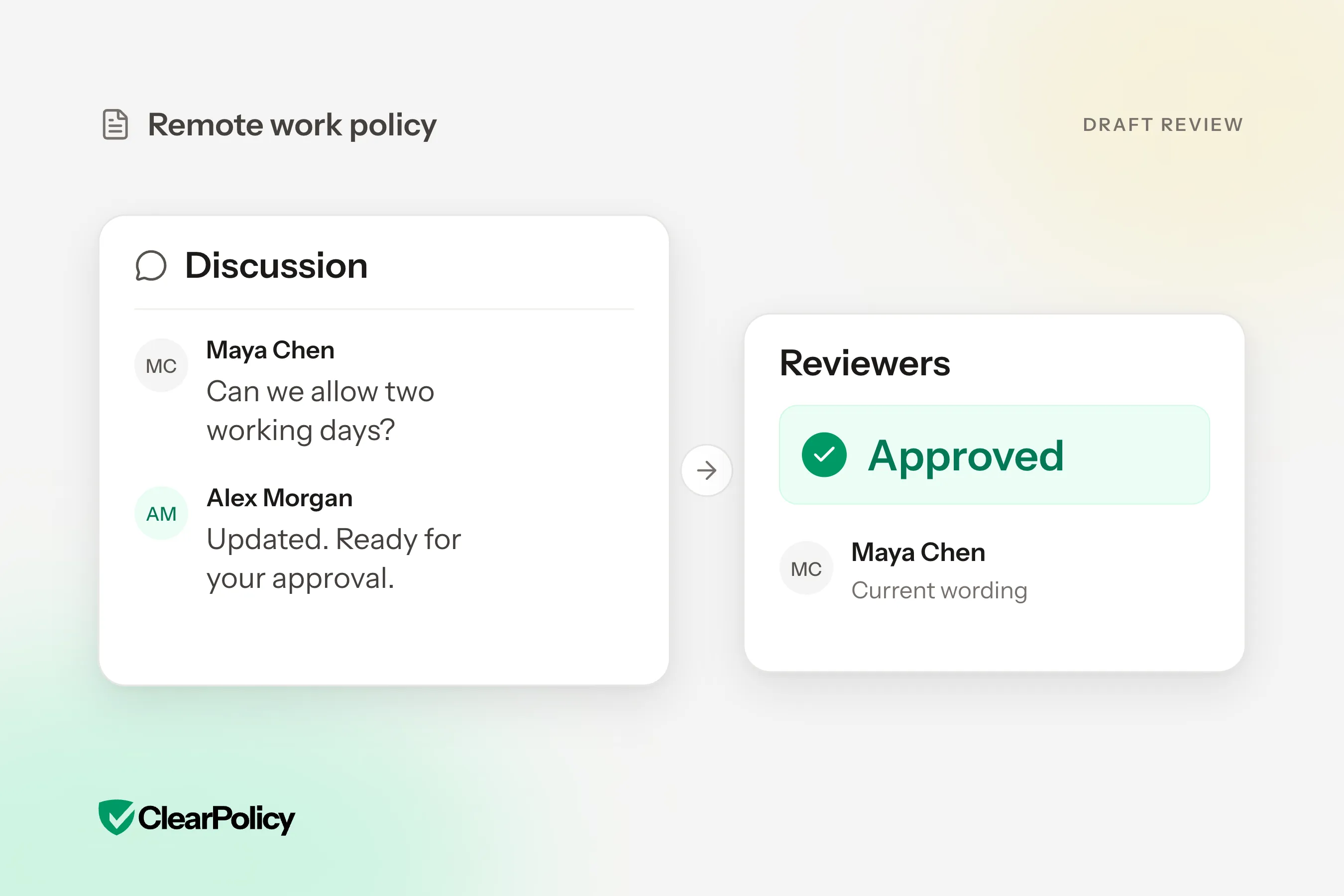
You’re about to publish a revised policy. You’ve made the edits from email. There’s a thumbs-up in Slack. But was that approval for the wording you have now—or the version before your last changes?
ClearPolicy now brings optional internal review onto the draft, so feedback and approvals stay with the revision they concern.
For example, a contracted HR manager working in a client’s ClearPolicy organization can prepare a revision, discuss changes with the client’s team, and request approval of the current wording.
Keep the conversation with the draft
Open an existing document, go to Revisions, and open the draft. You’ll find Reviewers and Discussion in the revision sidebar. Discussion also keeps the review history with the draft.
Use Discussion to ask questions and work through feedback. Under Reviewers, add team members and click Request review to email them. Reviewers can comment or select Approve.
Instead of piecing together messages, you can read the discussion alongside the draft and see who has approved its current content.
Remote Work Policy
Version 3 · Draft
Reviewers
1 pendingMaya Chen (you)
Review requested
Require approval before publishing
Review does not block publishing.
Discussion
2 commentsMaya Chen (you)
Does this give us two working days?
Alex Morgan
Yes—weekends don’t count.
Illustrations show fictional people and sample content.
Approval follows the content
Adding reviewers does not block publishing. Turn on Require approval before publishing to require every listed reviewer’s approval of the latest content. Approval does not publish the revision for you.
Remote Work Policy
Version 3 · Draft
Reviewers
ApprovedMaya Chen (you)
ApprovedWithdraw approval
Require approval before publishing
All reviewers must approve the latest content before you can publish.
All reviewers approved.
PublishChange the document content or replace its file, and earlier approvals no longer count. Agreement on yesterday’s wording isn’t agreement on today’s.
After those edits, request review again when you’re ready. Saving changes does not automatically send review emails.
With required approval off, you can publish even if reviews are still pending. After publishing, the discussion and review history remain available as read-only records.
From approved wording to collected signatures
Once the required approvals are in, you can publish the revision, then send document requests to your organization’s people for signatures and track completion.
For a contracted HR manager, that means handling client review and collecting signatures from the client’s people in the same product. Internal approval confirms the wording is ready—it does not replace those signatures or automatically publish or send requests.
For your next policy update, open the draft under Revisions and start with Discussion or Reviewers. See Review and approve a draft for the steps.
New to ClearPolicy? Try Free for 30 Days.
Replace spreadsheets with signed proof
Send policies, collect signatures, run compliance reports, and see who still needs to sign.
No credit card required.